
This is a guide on how to register a .dk domain name in the registrar portal.
It is only the portal user/users with the attached role Registrar that can register a .dk domain name.
Follow the steps below:
1. Log on to the registrar portal.
If the user don´t have the Registrar role, an update is required.
2. Click on the WHOIS SEARCH and choose Portal users
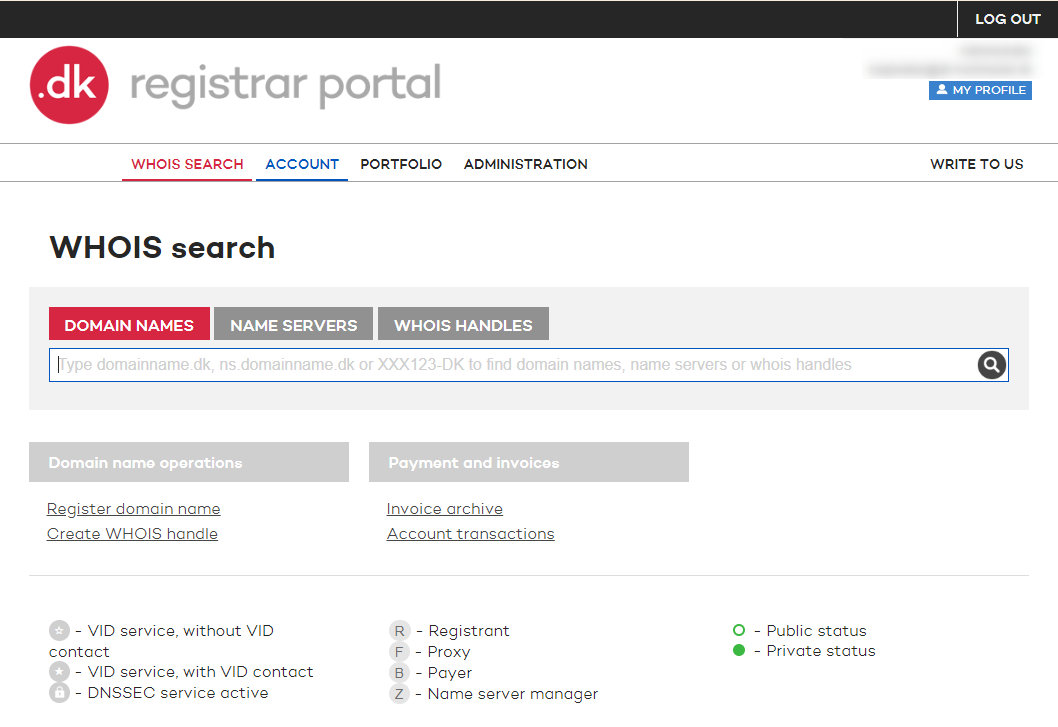
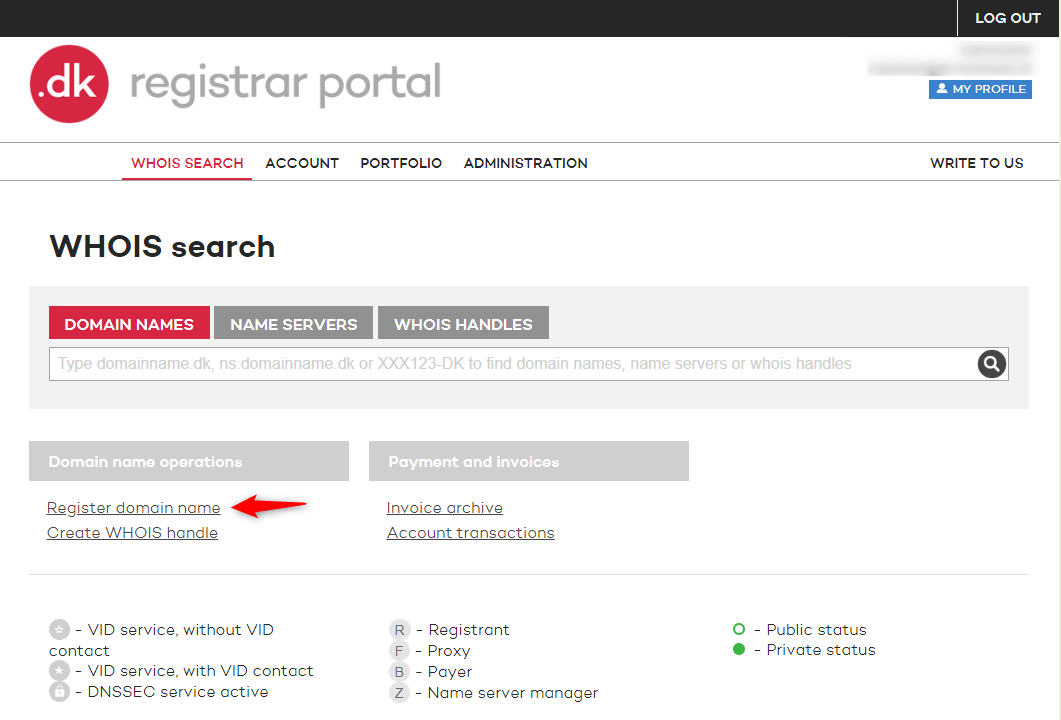
3. Under Domain name operations click on Register domain name
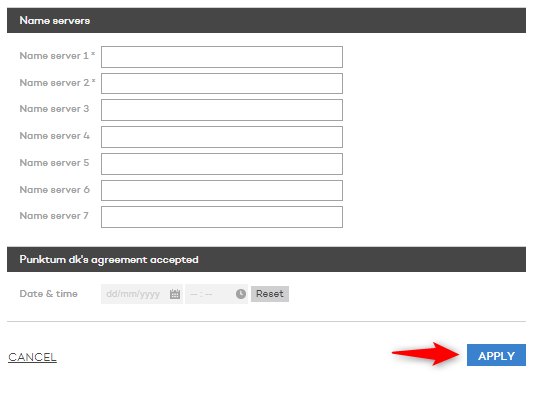
4. On the Registration site you can choose the setup of the domain name registration. Information will be automatically entered from your registration settings.

5. On the same Registration site you can set the date and time for approval of Punktum dk’s agreement. Click on Apply for the domain registration to go through.
Thank you for your reply
- we are happy about that.
Hmmm, not good...
We will help you - write us.
Did you find the answer useful?
If you still have questions, we are ready to help!