If you want to change the way you receive your invoices etc., you must edit your payment settings.
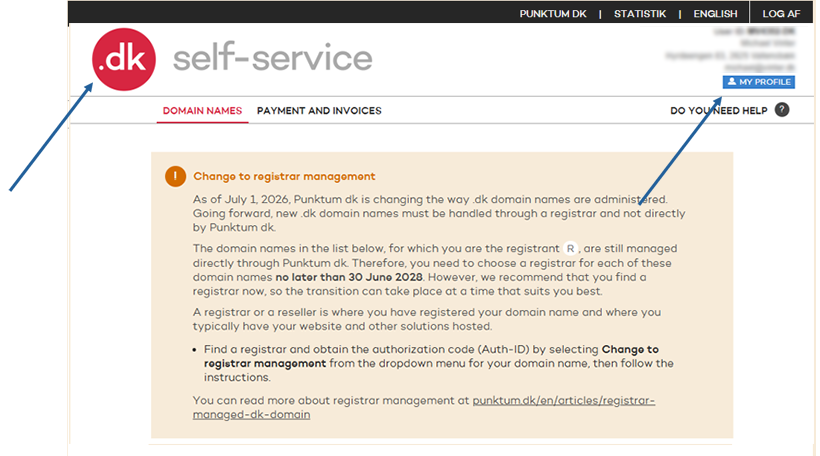
After you have logged in to the self-service, click on the .dk logo and then on “MY PROFILE”.
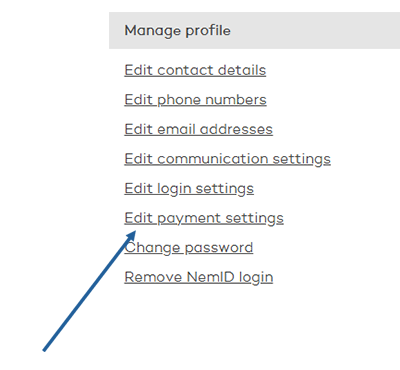
Then select "Edit payment settings"
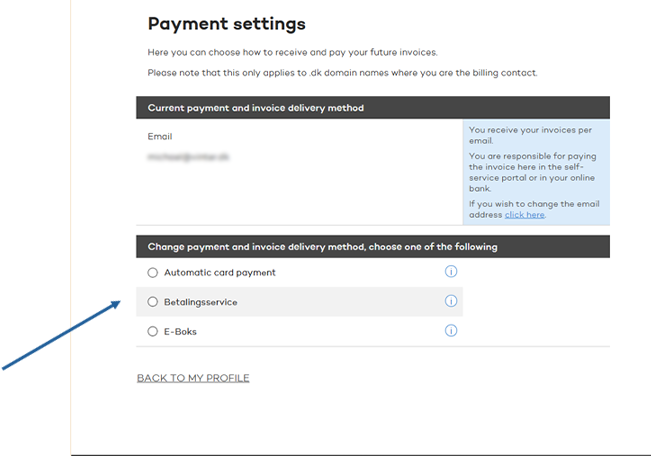
Now you can choose how future invoices etc. are sent to you.
Mobile version
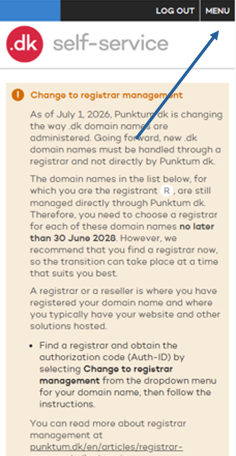
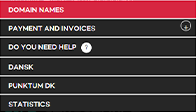
After you have logged in to self-service, click on "MENU" and then on "DOMAIN NAMES".
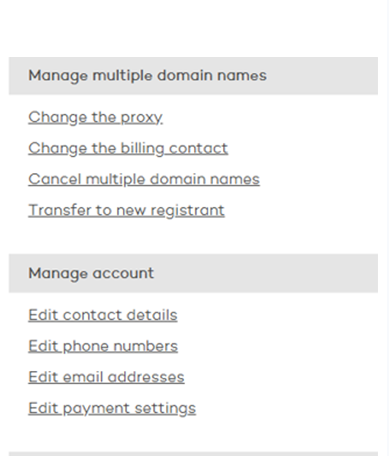
Tap on “Edit Payment Settings”.
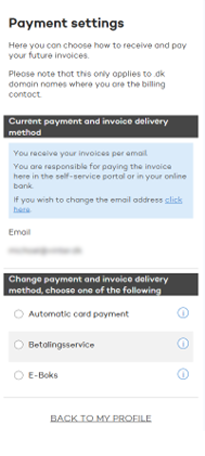
Now you can choose how future invoices etc. are sent to you.
Thank you for your reply
- we are happy about that.
Hmmm, not good...
We will help you - write us.
Did you find the answer useful?
If you still have questions, we are ready to help!